Revision comparison and consistency
Compare incoming revisions with accepted project values and focus review on what actually changed.
CHANGES · CONFLICTS · IMPACTPlexus extracts values from your registers, datasheets and P&IDs and traces each one to its source. Calculations, revision checks and safety work run on the same data. Nothing enters the project record until an engineer approves it.
Open conflicts by severity, registered objects, documents and import batches. Click around: open a conflict, follow it to the object, approve it in review. Behind every number sits the record and the evidence that produced it.
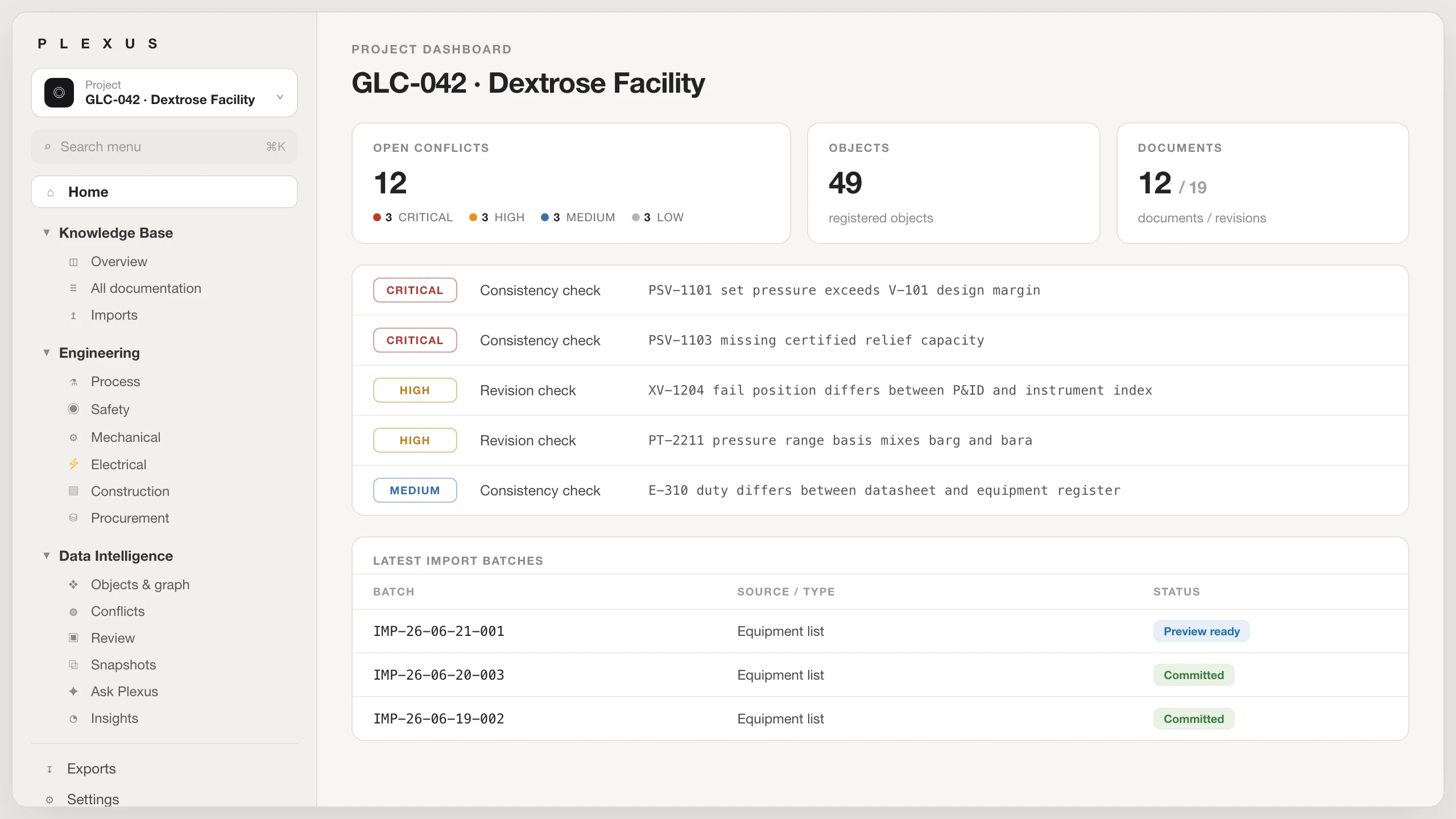
Interactive sample with pre-entered data. The production interface evolves and may differ in detail.
Compare incoming revisions with accepted project values and focus review on what actually changed.
CHANGES · CONFLICTS · IMPACTTurn drawing content into clearly labeled candidates, then review each item with its drawing evidence in view.
CANDIDATES · EVIDENCE · REVIEWRun calculations on source-traced inputs and keep assumptions, design criteria and results in the project record.
INPUTS · BASIS · RESULTSKeep HAZOP actions, assumptions, decisions, owners and closure evidence connected to affected objects.
HAZOP · ACTIONS · ASSUMPTIONSBuild RFQ packages from approved project requirements and compare vendor bids against the same basis.
RFQ · BIDS · VENDOR DATAReconstruct what was approved at a date, revision or frozen milestone without overwriting later history.
AS-OF · MILESTONES · HISTORYEach module does one engineering job. Use one, combine several or run them all on the same connected project graph.
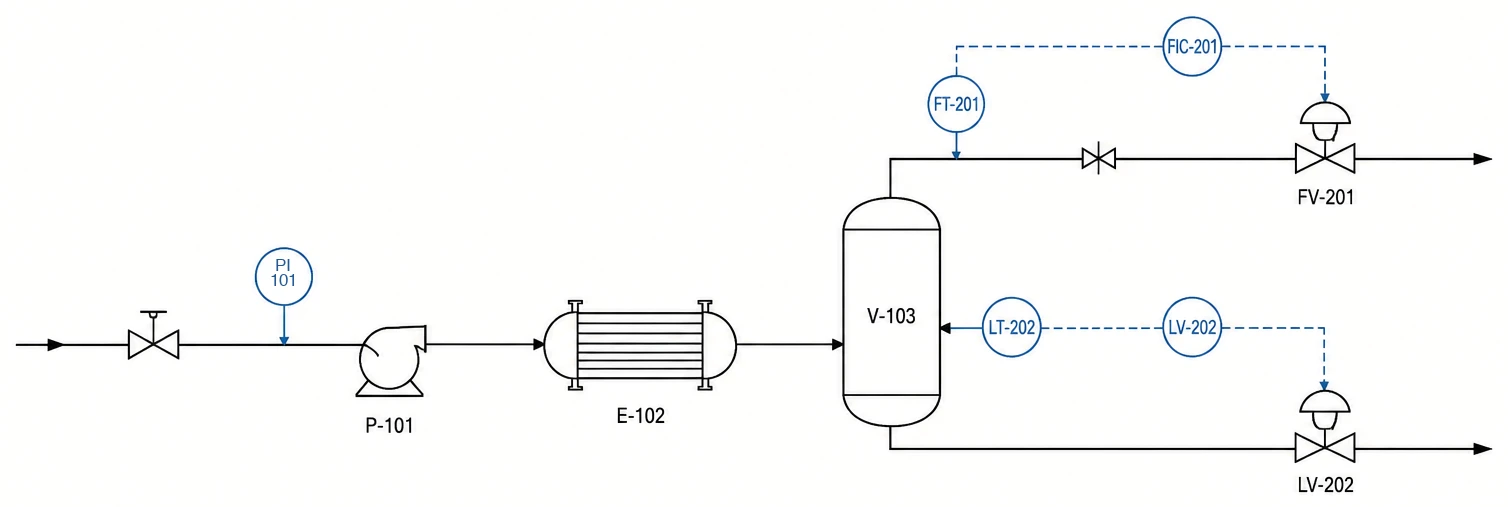
The drawing itself is reviewed the way a senior process engineer reviews it: equipment choices, protections and connections checked against typicals, the project knowledge base and good engineering practice. Tag extraction runs alongside, turning drawing content into clearly labeled candidates.
Defaults describe a typical FEED scope. Every figure recomputes from the inputs you set.
Assumption-based estimates; the P&ID review reduction rate reflects early pilot experience. Actual values are determined per project.
Three layers on one graph: the record holds the data, the watch keeps it consistent, the work runs on it. The six steps below show how a project moves through them.
Every value, tag and revision enters as a source-traced record with provenance and full history.
01 · 02 · 06Consistency checks and revision comparisons flag conflicts by severity. Your engineers resolve them.
03 · 05Calculations, datasheets and safety work draw on approved data, never on a stale copy.
04P&IDs, Excel/CSV registers, datasheets, vendor documents and lessons learnt from previous projects come in as source artifacts. Nothing is re-typed.
Tag and unit normalization matches every value to the objects already in the project graph, with provenance attached.
Consistency checks flag disagreements between sources, with severity, status and the evidence behind each flag.
Sizing, comparisons and datasheet generation draw their inputs from the graph. Assumptions and results stay in the record.
Bulk triage with authority checks. Candidate values stay candidate until an engineer approves them. Safety closures require the Safety Lead.
Approved values keep their evidence and full history. View the graph as of any date, revision or milestone.
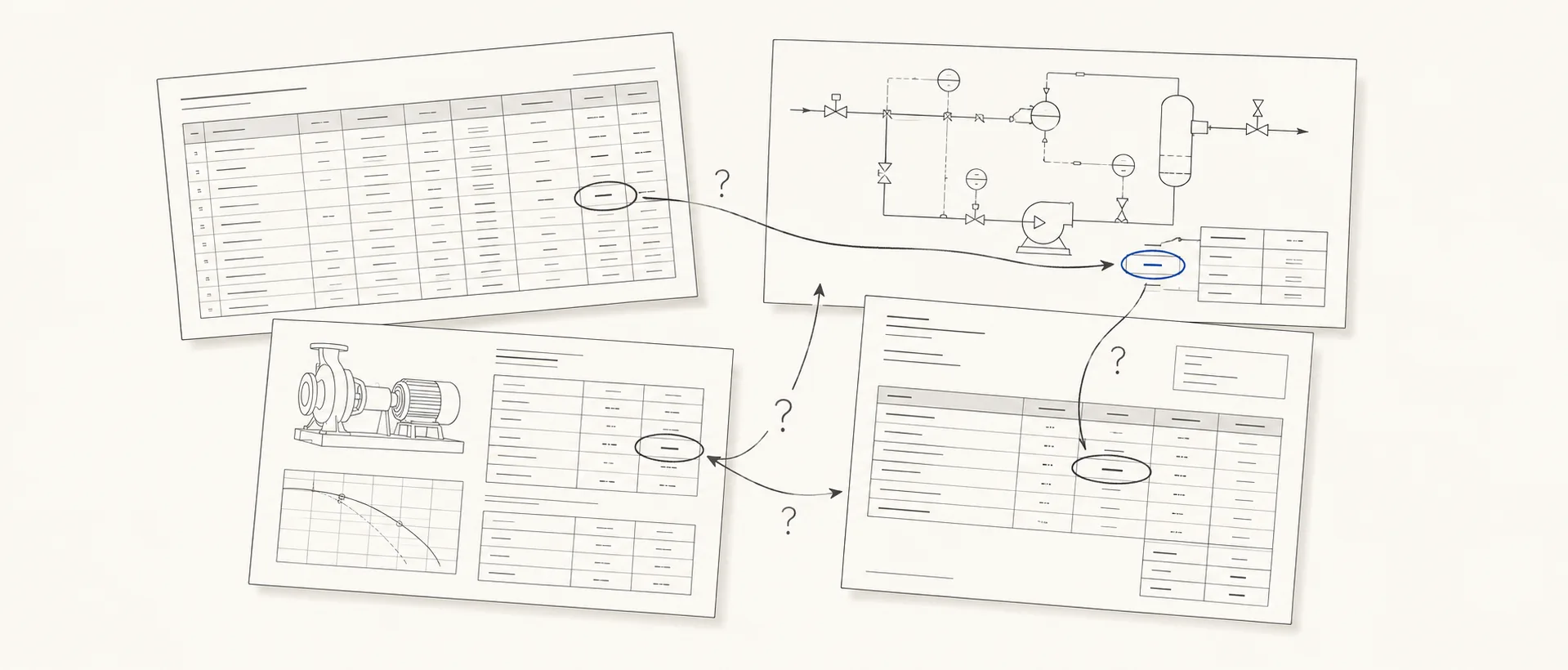
A source changes. Formats drift. One discipline moves ahead while another works from stale values. Engineers rebuild the comparison by hand. Everything you just saw turns that repeated rebuild into an evidence-backed review.
In June 2026 Schneider Electric agreed to pay $3.1 billion, 18x revenue, for Cognite: software that resolves which records in different systems describe the same equipment. Those mismatches are created during FEED and detailed engineering. Plexus keeps the register consistent while the project runs.
Plexus can extract, compare, flag, draft and recommend. It does not make engineering decisions on its own.
Extracted values stay marked as candidates until an engineer with review authority approves them.
Every proposed value links back to the exact place in the source document that supports it.
Changes and review decisions are versioned. View the project as it stood at any revision, date or milestone.
Each client's project data is isolated at the database layer with Row Level Security.
European data centers are the default for hosting and processing. We select third-party services for EU hosting and GDPR compliance.
Before a deployment processes project information, we document which tools, models and infrastructure it uses, where data flows and what controls apply.
Honest constraints up front. Easier than discovering them three months in.
No. Extraction produces candidates, each carrying the drawing evidence behind it; a value without evidence is not accepted. Engineers review every candidate against its source. Where the source gives no defensible value, the field stays empty and flagged.
No. Plexus does not train models on your project data. The data-processing terms of the providers enabled for a deployment are documented before project information is processed.
No. Plexus prepares comparisons, evidence and proposed changes. Project roles and review rules determine who can approve them.
Plexus works with structured registers and tag lists, P&IDs, datasheets, specifications, calculations and vendor documents.
P&IDs come in as PDF or DWG. Extraction from drawings is candidate-only regardless of format: every extracted value waits for engineer review.
No. Your team keeps producing registers, datasheets and drawings in the tools they already use. Plexus works on those outputs and keeps them consistent, reviewed and traceable.
Yes. Review decisions, resolved conflicts, assumptions and calculation bases stay versioned in the project record, so the next revision and the next project start from what was already learnt instead of from scratch.
No. Provider selection is abstracted, so each deployment can choose the AI models it uses without tying the project to one vendor.
Project data is private and isolated per client. Database access is enforced with project membership and Row Level Security.
Plexus is built by two process engineers, close to 30 years of project work between us. Every workflow in the product is something we have done by hand, revision after revision. We build the software we wished we had on those projects.
Plexus starts as a bounded pilot on your own project data, reviewed by your own engineers. Four steps from first call to a rollout decision.
A short call on your situation and which of your workflows Plexus can shorten. We agree the pilot scope: one project, a bounded set of documents.
We load the agreed documents into an isolated workspace and generate the deliverables.
Your engineers review what came out: flagged conflicts, the evidence behind each value, calculation results. They judge it against the original documents.
You decide whether to expand to more documents and projects or stop there. The pilot findings are yours either way.
It starts with a short call.